
Welcome true believers!… Wrong franchise, WELCOME, GEARS!
Ever since XBOX let you add your own profile picture, it’s been a great time! You can add your favorite picture, maybe a character or a nice solid green colour. But it’s always been kind’ve a pain to add a custom one unless you use Photoshop, Affinity, GIMP and the flurry of other image manipulation software.
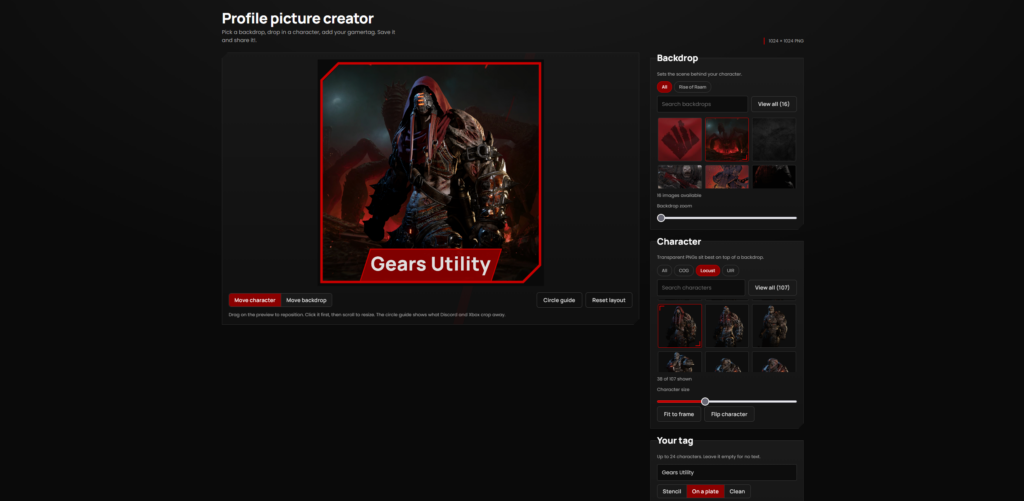
In-comes Our Profile Picture Creator!
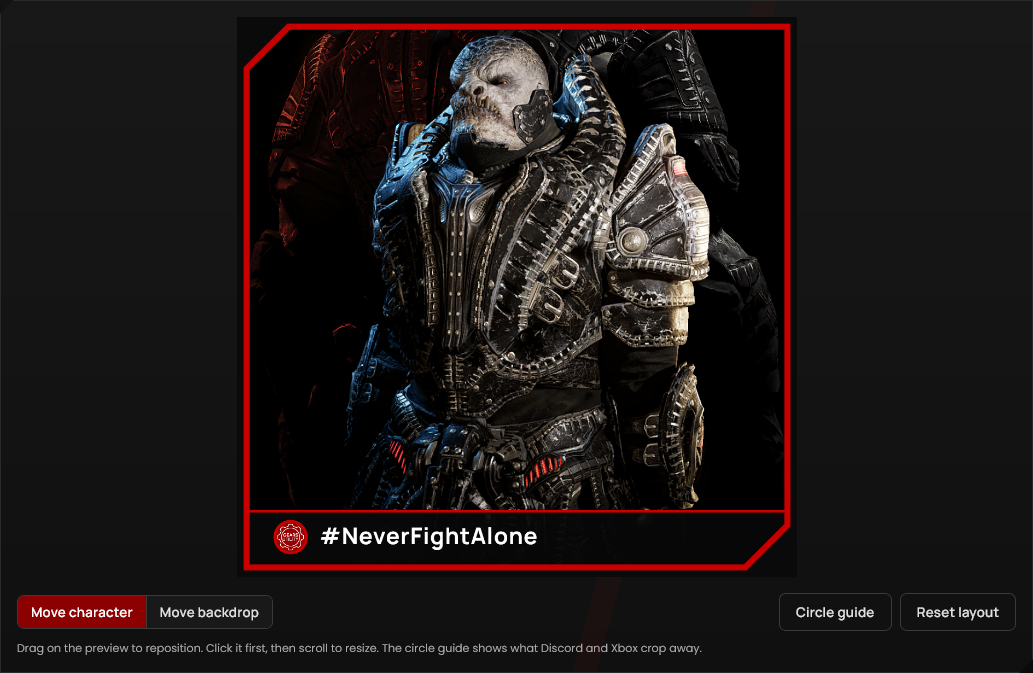
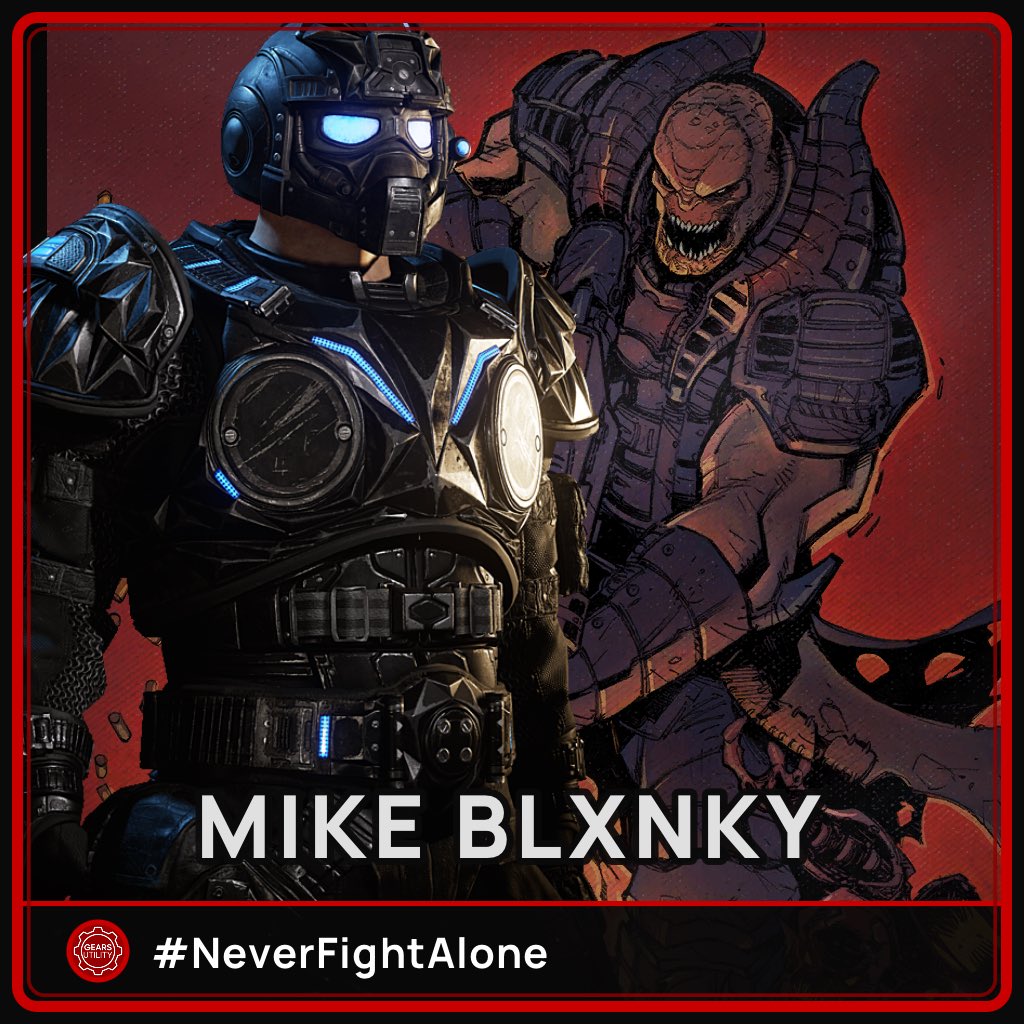
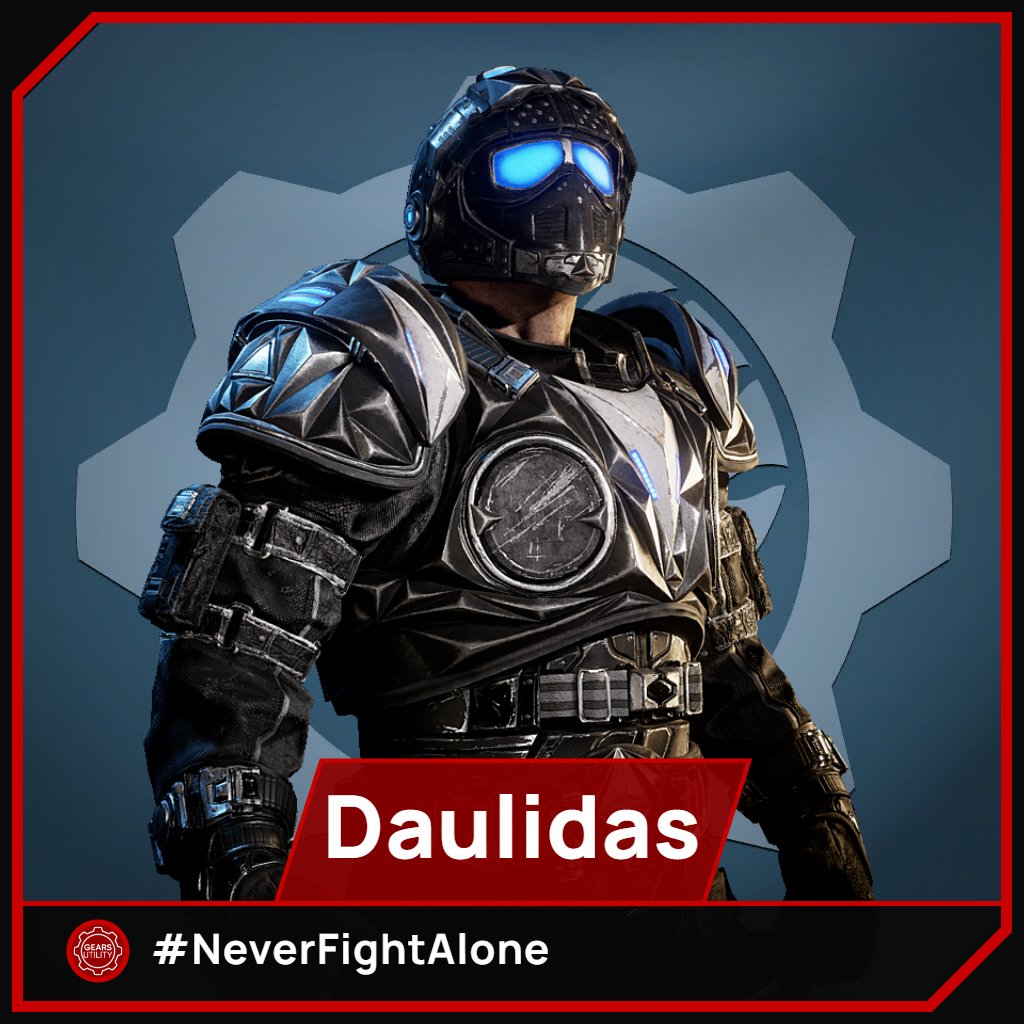
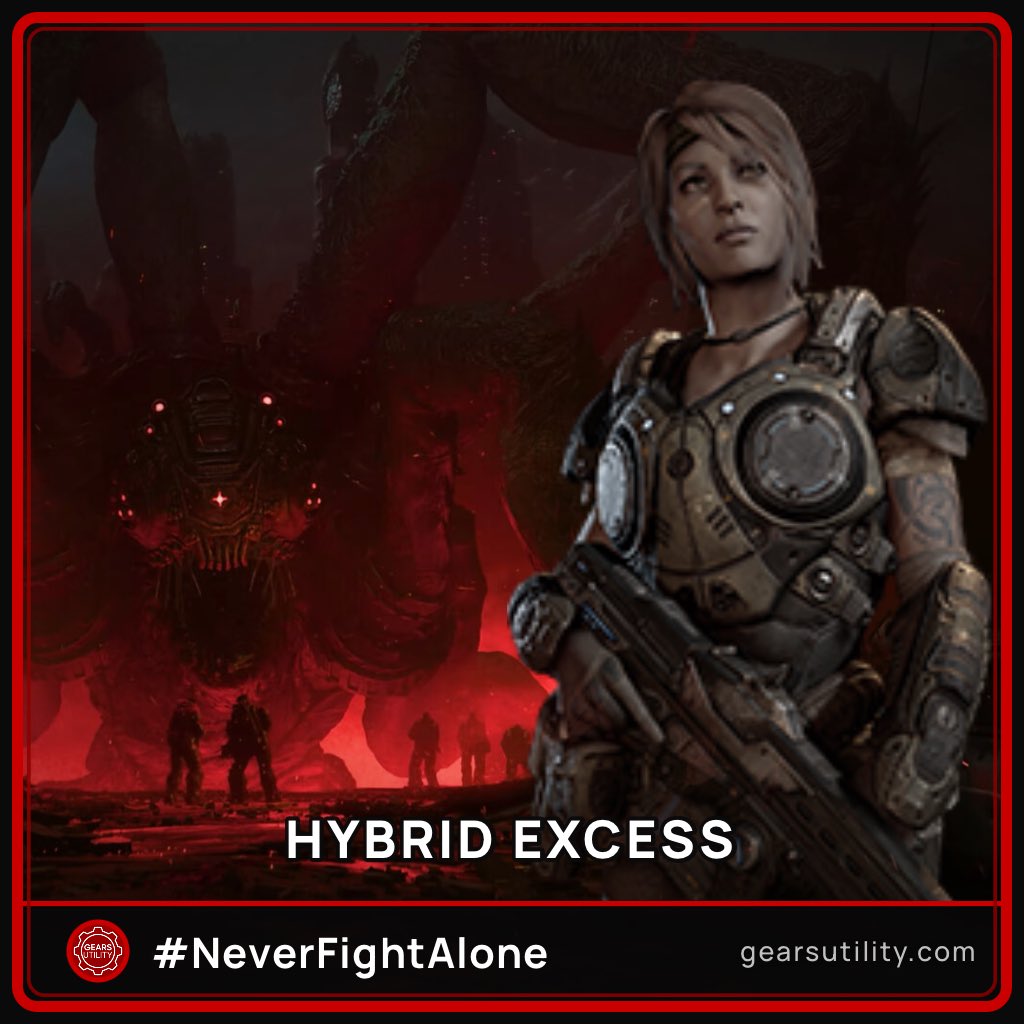
With it, you can select a background from a list that will grow (currently at 16), select a character (currently 107 with more to come when E-Day drops), add your gamertag or handle (be it on a plate, top or bottom), add a badge (you can currently select from Gears Utility Supporter and #NeverFightAlone or none at all) and finally you can select a frame… Or none at all!
But Why?
Why not? It adds, in our eyes, needed function to allow fellow Gears to have cool profile pictures!
See What I Mean
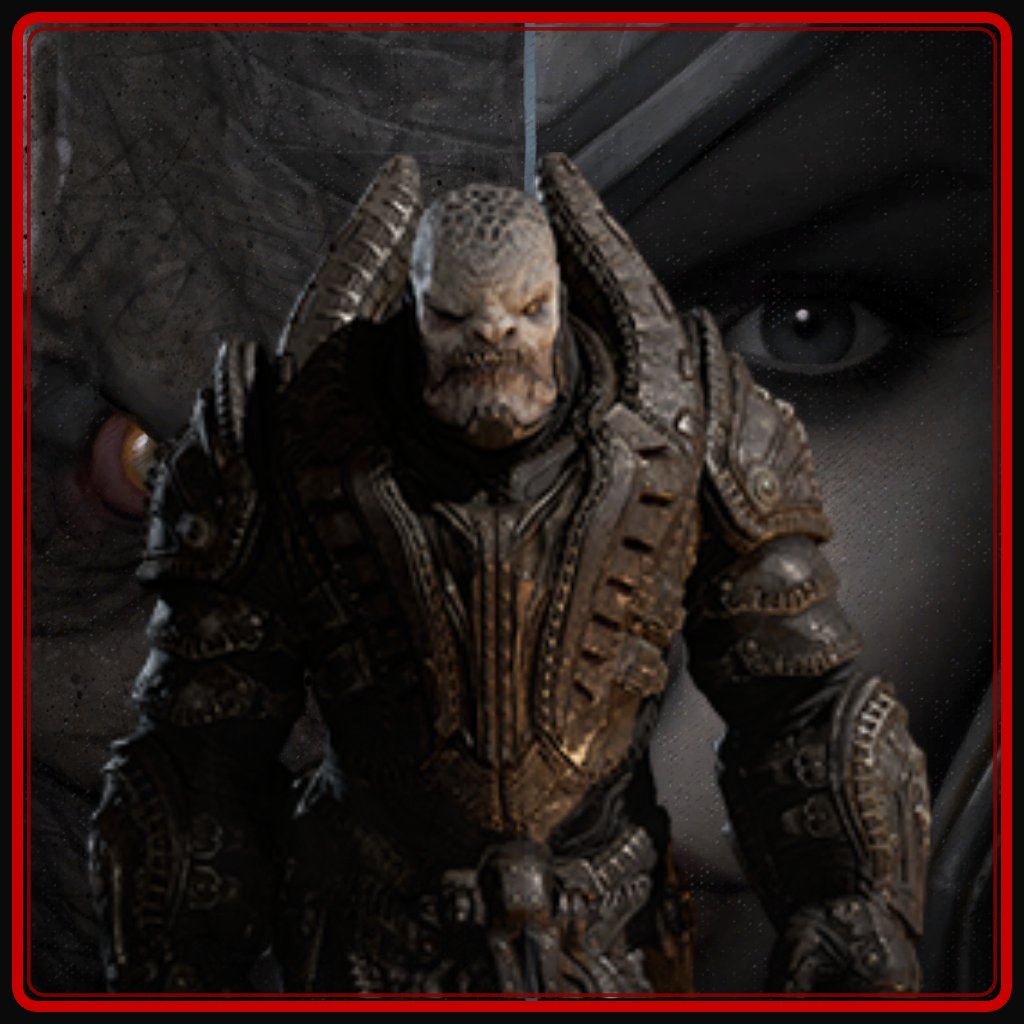
Our original post somehow got over 600 likes and we saw some awesome uses!
Conclusion
In conclusion, you should use it, it’s great and you’re practically wasting time that could be spent on there readying this. So go and enjoy! (And don’t forget to show us what you make)!
Gears Utility, Signing off…